Power Automate NL Designer: Skills Before 30 Nov
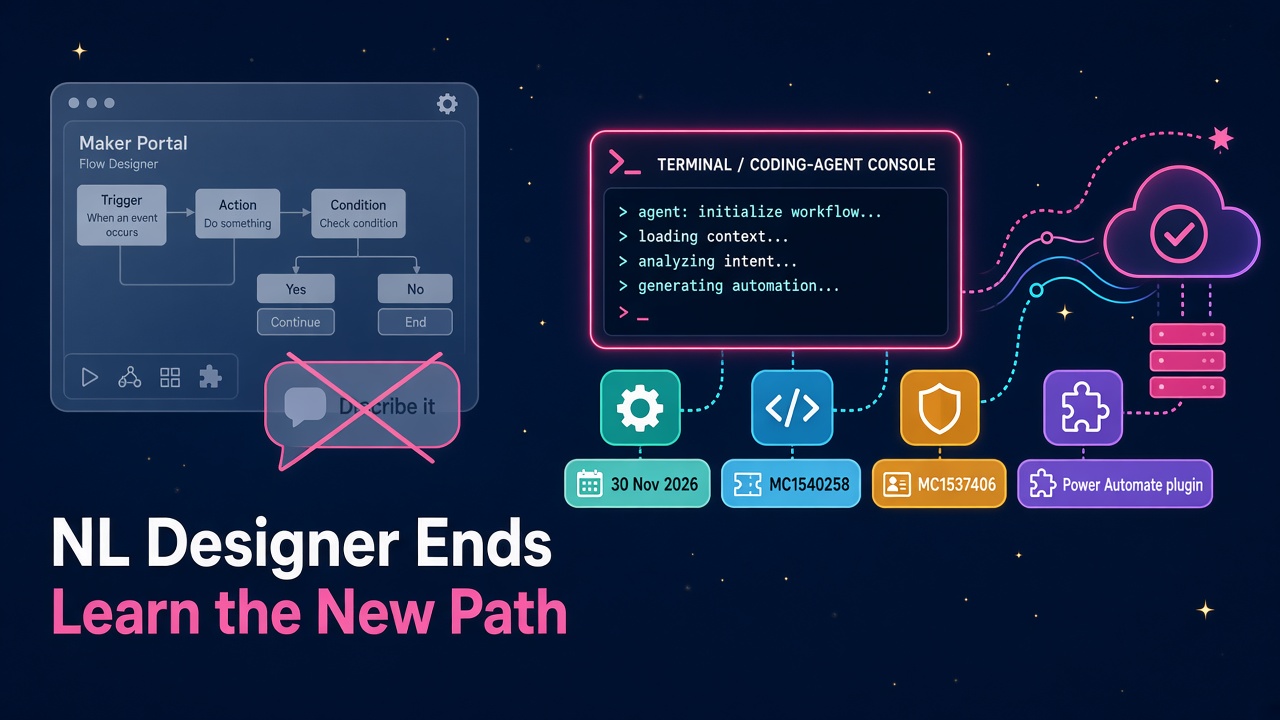
Describe it to design it and Copilot in the Power Automate designer both end on 30 Nov 2026. Existing flows stay. Natural language moves to coding agents.
If you build Dynamics 365 and Power Platform automations for a living, put 30 November 2026 in your diary. That is the day Microsoft ends support for natural language flow building inside the Power Automate maker portal.
Two Message Center notices landed in early November with the same deadline. MC1537406 retires Describe it to design it. MC1540258 retires Copilot in the designer for both cloud flows and agent flows. Microsoft Learn's important changes page confirms the same date for Describe it to design it.
Nothing in your existing automation estate gets deleted. That part is genuinely good news. What changes is where natural language creation lives next, and that shift is exactly the career skill D365 people should be practising now.
What actually ends on 30 November
Describe it to design it was the button that let a maker type what they wanted to automate in plain English and get a suggested cloud flow back. Copilot in the designer was the in-product assistant for creating and editing cloud flows and agent flows with natural language while you were already in the designer.
From 30 November 2026:
- Makers can no longer create new cloud flows with Describe it to design it.
- Makers can no longer use Copilot in the designer for cloud flows or agent flows.
- Existing flows, including ones created or edited with Copilot, stay put. They are not deleted, moved or rewritten by this change.
- You can still create, edit, test and run flows in the visual designer, start from templates, write expressions in the expression editor, and use flow checker and run history.
So the platform is not removing automation. It is removing the in-portal natural language layer that many citizen makers used as their on-ramp.
Where Microsoft is pointing you instead
Microsoft's replacement path is clear in both notices and in Learn: keep building from descriptions, but do it through the Power Automate plugin in an organisation-approved AI coding assistant such as GitHub Copilot CLI, or connect through Microsoft Copilot Studio with MCP.
That is not a small UX tweak. It is a relocation. Natural language for flows is moving out of the maker portal and into coding agents.
The official Get started with the Power Automate plugin page spells out what that means in practice:
- You work from a terminal session with GitHub Copilot CLI or Claude Code.
- You need Node.js 18 or later, Azure CLI signed in with the same work account you use for Power Automate, a Power Platform environment with Power Automate enabled, the right permissions, and an appropriate licence.
- The plugin creates flows in a stopped state so you can review them before enabling.
- AI-generated definitions can be inaccurate, so review, test and validate before you publish.
- Your signed-in identity still carries tenant policies, connector restrictions, licensing and permissions. The agent does not bypass your CoE.
Skills available through the plugin include /setup, /browse-flows, /create-flow, /build-flow, /debug-flow, /diagnose-flow, /manage-flows and desktop-flow discovery. That is a serious operations toolkit, not a toy demo.
Why this is a glass-half-full moment for D365 careers
I am quite certain this will feel bumpy for makers who only ever described a flow inside the portal and never opened a terminal. For consultants, solution architects and anyone who wants to stay valuable through 2027, it is a gift.
The people who will win the next wave of D365 jobs are not the ones who memorised every ribbon click. They are the ones who can:
- Design reliable automations in the visual designer without leaning on a chat box.
- Orchestrate coding agents that call Power Automate tools under real governance.
- Explain the trade-offs to a CoE, a security team and a business sponsor in one meeting.
That combination is rare today. It will be table stakes soon. If you already live in Dataverse, solutions, ALM and connector policy, you are halfway there. Adding agent-assisted flow work on top is the next obvious skill, in the same way Power Platform skills became non-negotiable for CRM and ERP consultants.
Partners and employers are already hiring for "automation plus AI" hybrids. Browse live roles on d365market.com/jobs and you will see the pattern: Power Automate, Copilot Studio, Dataverse, and now agent tooling. The salary data on the site still rewards people who can ship governed automation, not people who only demo prompts.
What does not change
A few things are worth saying out loud so nobody panics the wrong way:
- Your production flows keep running.
- Templates stay.
- Manual authoring in the designer stays.
- Debugging with run history stays.
- Connector and DLP controls still apply when you use the plugin.
Microsoft is not telling you to rewrite your estate. It is telling you that the creation path for natural language moves.
Also note the neighbouring November deadlines on the same Learn deprecations page. From 15 November 2026 you can no longer create new Dataverse for Teams environments or new unmanaged developer environments. Those are separate changes, but they sit in the same "governed maker platforms" story. If your practice still leans on unmanaged sandboxes or Teams-only Dataverse, that planning belongs on the same whiteboard as the flow designer change.
A practical plan for the next three weeks
Here is what I would do between now and 30 November, whether you are an independent consultant, a partner delivery lead or an in-house D365 lead.
Week 1: Find the real users
Ask your makers, CoE and service desk who still starts flows by describing them in the portal. There is no usage report in the Message Center notices, so human outreach is the practical route. Separate two groups:
- Occasional makers who can switch to templates and the visual designer with a short enablement session.
- Power users who relied on natural language daily and will need an approved agent path.
Update any internal wiki that still says "just describe it in Power Automate".
Week 2: Decide the approved assistant
Microsoft explicitly says organisation-approved coding assistant. That means someone in security or IT has to pick a lane: GitHub Copilot CLI, Claude Code, Copilot Studio via MCP, or a mix with clear boundaries.
Do not leave that as a hallway conversation. Write it down:
- Which tools are approved
- Who may install them
- Which environments they may target
- Whether production edits need a human approval gate (they should)
If your firm already uses coding agents for Dataverse work, extend that policy rather than inventing a second one.
Week 3: Pilot the plugin on non-production work
Install the plugin in a test environment. Run /setup. Build one boring but real flow with /build-flow, for example "when a new Dataverse row is created, post a Teams message to a channel". Review the stopped flow. Fix anything odd. Enable it. Break it on purpose and try /debug-flow.
Then do the same for a flow that mirrors something you deliver for clients: approvals, SharePoint list triggers, Finance and Operations callbacks, Customer Service case updates. Keep customer data out of the pilot.
Capture a short playbook your team can reuse:
- How to install
- How to sign in with Azure CLI
- How to choose the environment
- The review checklist before enabling a generated flow
- When to fall back to the visual designer
That playbook becomes a billable asset for vendors and delivery teams who want to show clients they are ready for the post-portal NL world.
Skills that will show up in interviews
If you are interviewing in the next few months, expect questions like these. Practise answers with real examples, not slogans.
"How will your makers create flows after 30 November?"
Talk through templates, visual designer and the approved plugin path. Name the Message Center IDs if you can. Hiring managers love people who read the notices.
"How do you stop an agent from publishing a bad flow?"
Stopped-by-default creation, human review, test environments, connector policy, and no production edits without a change record.
"Can you debug a failed run with an agent?"
Walk through /debug-flow / /diagnose-flow, checking connections, throttling and dependent actions, then validating the fix yourself.
"Where does Copilot Studio fit?"
MC1540258 points to Copilot Studio with MCP as another route for natural language flow work. That is a strong answer for enterprises that already standardise on Copilot Studio rather than developer CLIs.
You can rehearse against live openings on jobs, and check how products in the catalogue are bundling automation and AI. The market is already pricing this skill.
Advice for partners and CoEs
Partner practices should treat this as an enablement sprint, not a panic. Update training decks, academy labs and client runbooks. Offer a two-hour workshop: "Natural language flows after 30 November". Sell the governance conversation, because every serious customer will ask who is allowed to let an agent create flows in their tenant.
Independent consultants can productise the same thing. A fixed-price "Power Automate NL readiness" engagement covering user discovery, assistant approval, plugin pilot and a one-page policy is easy to scope and easy to sell before the deadline.
If you need specialist help, the vendors directory is there for a reason. Pair delivery capability with people who already run agent tooling in production.
The bigger pattern
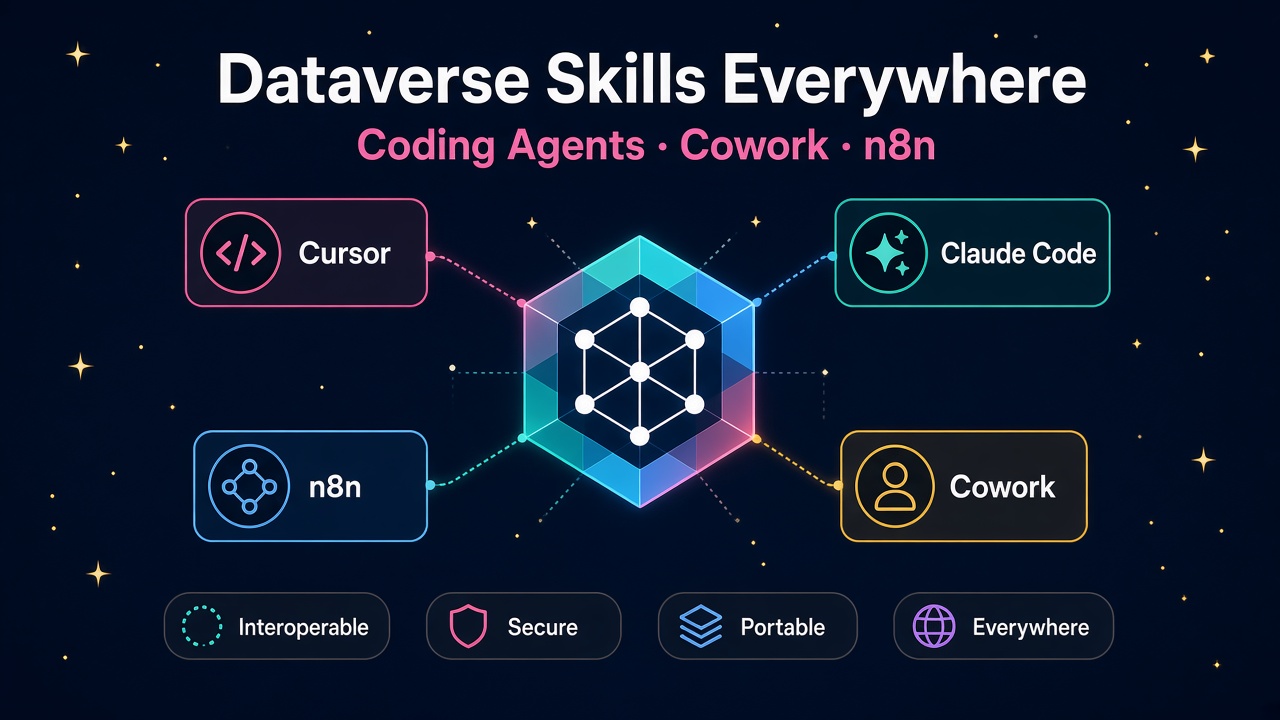
Zoom out for a second. Microsoft keeps relocating AI assistance toward agents that act with your identity, under your policies, with tools published through MCP and plugins. We have seen the same shape across Sales, Project Operations, Contact Center, Dataverse skills and now Power Automate authoring.
The maker portal is not disappearing. The default AI surface is shifting toward agents you supervise. That is healthier for enterprise work, even if it asks more of the humans in the loop.
Learn the new path early and you will be the person clients call when their citizen makers hit 30 November and ask what to do next. Leave it late and you will spend December answering the same ticket 40 times.
What to do next
- Read MC1537406 and MC1540258, then skim the Power Automate plugin Learn page.
- List who in your org still depends on Describe it to design it or Copilot in the designer.
- Get an organisation decision on GitHub Copilot CLI, Claude Code and/or Copilot Studio MCP this week.
- Pilot the plugin in a non-production environment and write a one-page review checklist.
- Update training, job ads and interview questions so your team and your clients hire for the skill that is arriving, not the button that is leaving.
- Check jobs, salaries, employers and products on d365market.com while you plan your own next move.
Thirty November is close enough to act and far enough to do it properly. Use the window.