D365: The Complete 2026 Guide to Microsoft Dynamics 365
What D365 is, the main Dynamics 365 apps, what changed at Ignite 2026, where the jobs are and how to get started, in one practical, upbeat guide.
If you have typed "D365" into Google, you are probably in one of three camps. You are a business wondering whether Microsoft Dynamics 365 is right for you, a professional wondering whether it is a good career, or someone who has just been told "we're moving to D365" and would like to know what that actually means. This guide is for all three of you.
I will keep it practical: what D365 is, what the main apps do, what changed at Ignite 2026, where the jobs are, and what I would do next if I were you.
What is D365?
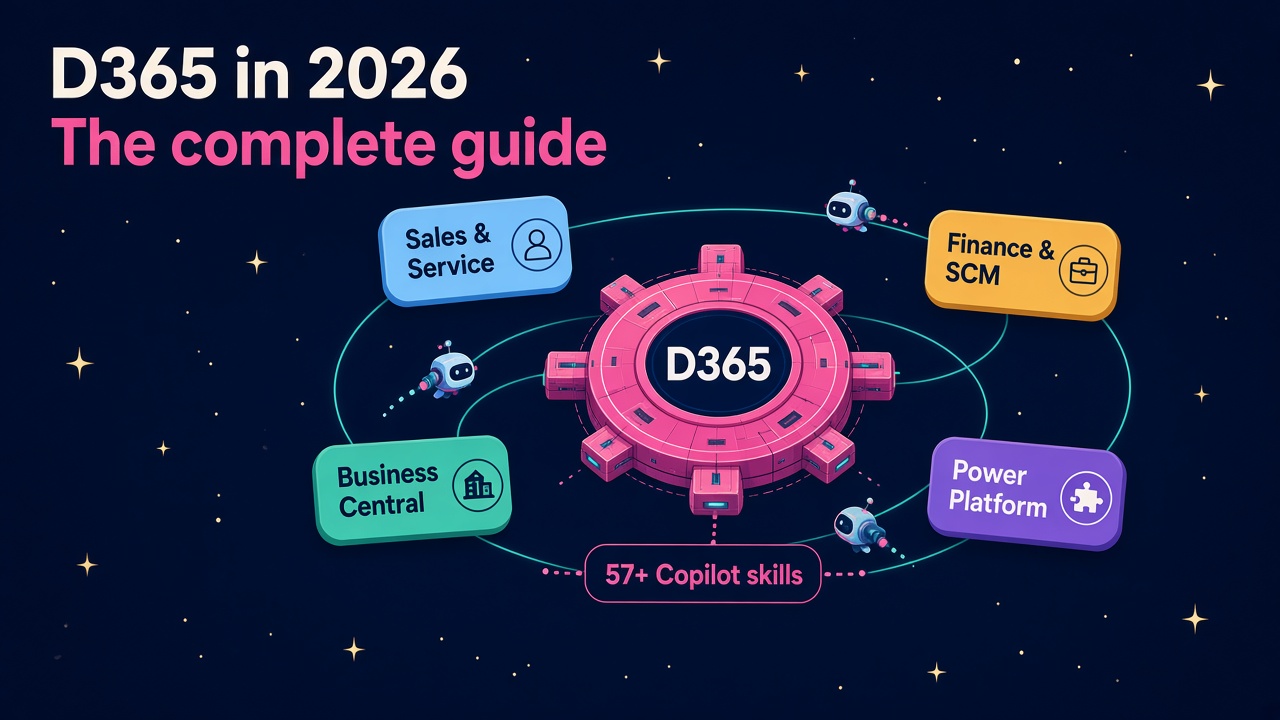
D365 is the short name for Microsoft Dynamics 365, Microsoft's family of cloud business applications. It covers the two big systems almost every company runs: CRM (customer relationship management, so sales, marketing and service) and ERP (enterprise resource planning, so finance, supply chain, manufacturing, projects and HR).
It sits on the same data platform as the rest of Microsoft's business tools. Underneath most of the apps is Dataverse, around them is the Power Platform (Power Apps, Power Automate, Power BI and Copilot Studio), and on top of everything now sits Copilot and a growing army of AI agents. That joined-up story is the main reason companies choose it, and the main reason D365 skills travel so well across employers.
What are the main D365 apps?
There are a lot of product names, but they fall into four easy buckets.
Customer engagement (CRM)
- Dynamics 365 Sales for pipelines, forecasting and account management.
- Dynamics 365 Customer Service and Contact Center for cases, email, chat and voice.
- Dynamics 365 Field Service for engineers, scheduling and work orders.
- Dynamics 365 Customer Insights for marketing journeys and customer data.
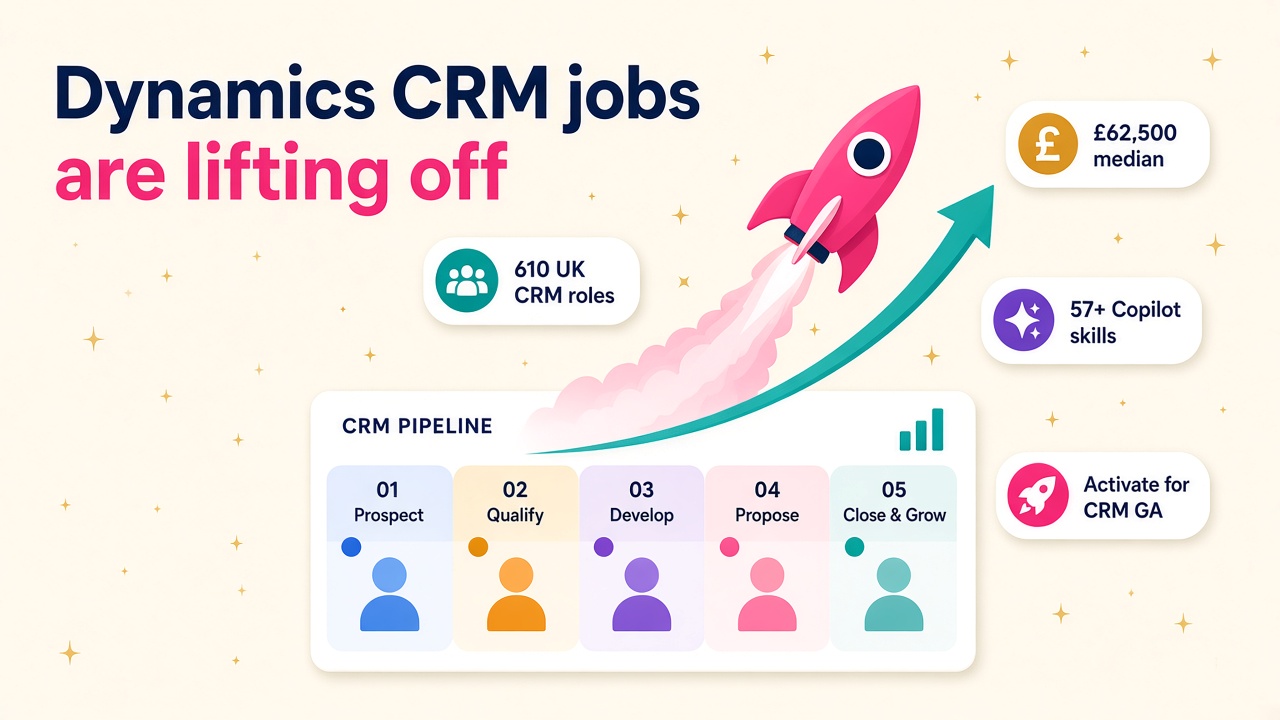
People often still call this side "CE" or "CRM", and you will see both in job ads.
Finance and operations (ERP)
- Dynamics 365 Finance and Supply Chain Management for larger, often multinational organisations.
- Project Operations, Commerce and Human Resources around the edges.
This is the "F&O" world, the descendant of Dynamics AX, and it tends to run big, long, well-paid projects.
Business Central
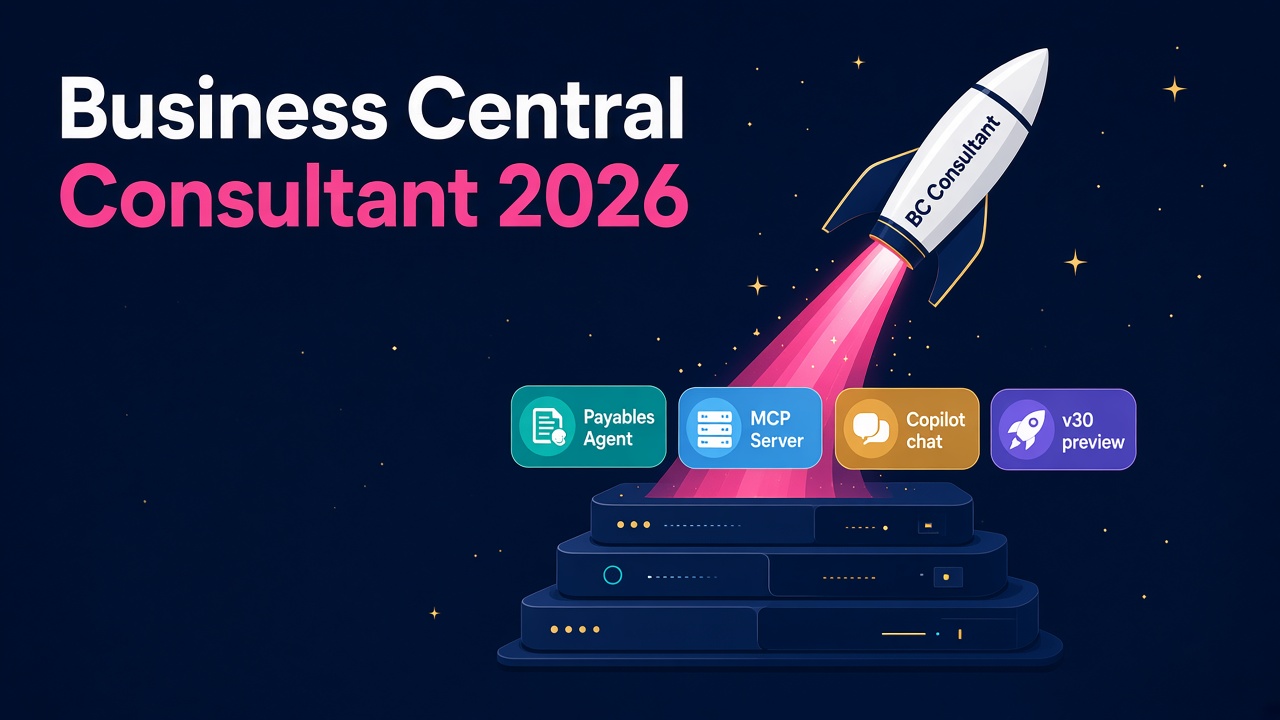
Dynamics 365 Business Central is the all-in-one ERP for small and mid-sized businesses, and the successor to NAV and GP. It moves fast. Business Central 2026 release wave 2 (update 29.0) is generally available, and version 29.x is in support from 30 September 2026 to 5 April 2028. It also brings a remarkable amount of AI for an SMB product: an improved Payables Agent, a dedicated task pane for managing work from all agents, and data queries through an MCP server, all generally available.
Power Platform
Strictly speaking this is not "Dynamics", but in practice it is impossible to separate. Power Apps, Power Automate, Power BI and Copilot Studio are how D365 gets extended, automated and reported on. If you only learn one thing beyond your core app, make it this. I made the full case in why every D365 consultant needs Power Platform skills.
What changed at Ignite 2026?
A lot, and almost all of it is good news for anyone who works with D365.
On 17 November, Microsoft introduced Dynamics 365 in Copilot. The Sales and Customer Service plugins bring more than 57 business skills into Microsoft Copilot, and the ERP apps plugin adds more than 39 finance and operations skills. Both are generally available. In plain English, a salesperson or finance analyst can now get real work done in D365 from inside Copilot, Teams or Excel, without living in the D365 screens all day.
The same announcement says Agent Accounts enter public preview in December 2026, giving agents their own identity, memory and triggers, and Agent 365 Cost Management adds spend forecasting and optimisation recommendations. That last one matters more than it sounds. Every CFO I know wants to know what AI is costing before they let it loose, and someone has to answer that question. I covered the detail in Copilot credits: the agent cost skill.
Microsoft is also going after other vendors' customers. According to the Ignite 2026 Book of News, Dynamics 365 Activate now extends from CRM to ERP, helping partners assess SAP ECC environments and move them to Dynamics 365, and the Salesforce migration experience is generally available. Migrations are hiring events, which brings me to the bit most readers actually care about. If you want the deeper dive on Ignite, have a read of Dynamics 365 in Copilot.
Is D365 growing?
Yes, steadily. Microsoft's first quarter FY27 results showed revenue of $92.3 billion, up 19%, with Microsoft Cloud revenue at $63.9 billion. MSDynamicsWorld's write-up notes that industry solutions cloud revenue, which includes Dynamics 365 and LinkedIn, grew 10%, with bookings trends moderating.
So D365 is not the rocket ship that Azure is right now, and I would not pretend otherwise. What it is, though, is the system of record that all of Microsoft's shiny AI needs to be useful. An agent that can raise a purchase order or resolve a customer case is only as good as the D365 data, security and process behind it. That is a very nice place for a career to sit.
Are there many D365 jobs?
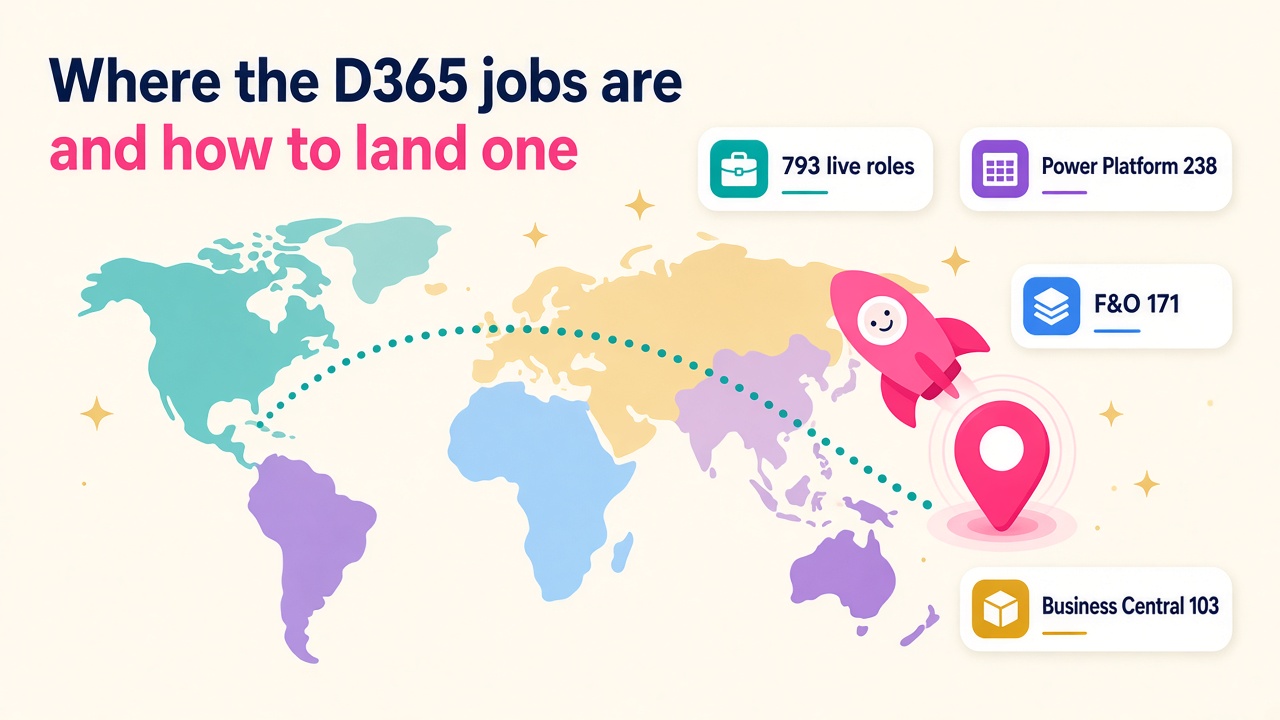
Plenty. On 21 November we had 793 live Dynamics 365 and Power Platform roles on our jobs board. Looking at job titles (some mention more than one product, so they overlap), 238 mentioned Power Platform, Power Apps, Power Automate, Copilot Studio or Dataverse, 171 mentioned Finance, Supply Chain or F&O, 130 mentioned CRM or customer engagement apps, and 103 mentioned Business Central or NAV. Outside our board, Indeed's US search for "Microsoft Dynamics 365" showed 2,891 jobs the same day.
The full breakdown, including who is hiring and where, is in D365 jobs: where the roles are and how to land one. For pay, the salaries page and the D365 Salary Guide 2026 have real numbers by country.
What are the main D365 roles?
Roughly from least to most technical:
- Functional consultant. Designs and configures the app around how the business works. The heart of every project.
- Solution architect. Owns the end-to-end design across apps, data and integrations. Usually the best paid people in the room.
- Developer. X++ for F&O, AL for Business Central, plugins and JavaScript for CE, plus Power Platform. Increasingly also building and testing agents.
- Technical consultant or data migration specialist. Moves data in from SAP, Salesforce, GP, AX or spreadsheets nobody wants to admit to.
- Power Platform developer or maker. Builds apps, flows and Copilot Studio agents around the core system.
- Project manager and delivery lead. Keeps it all on time, on budget and on the rails.
- In-house admin or product owner. Runs the platform once the partner has gone home.
If you are thinking about Business Central specifically, I wrote a whole guide to the Business Central consultant role.
How do you get into D365?
Easier than you might think, especially if you already understand a business process. Accountants make great finance consultants, salespeople make great CRM consultants and warehouse managers make great supply chain consultants, because the hard part is understanding the business, not clicking the buttons.
Here is a sensible path:
- Pick one app. Business Central, Sales, Customer Service or Finance are the most common starting points.
- Get a free trial and play. Microsoft offers trial environments for most apps. Break things. Nobody is watching.
- Take one current certification. The cert line-up changed a lot this year, so check which D365 certifications to take now before you book anything.
- Add Power Platform and Copilot Studio. This is the adjacent skill that makes almost any profile more interesting.
- Build one small agent. Even a simple Copilot Studio agent that answers questions over D365 data gives you a real story to tell in an interview.
- Talk to partners. Most junior roles are at partners, so browse our employers and consultants directories to see who does what.
How do you choose a D365 partner or product?
If you are on the buying side, the best advice I can give is to start with your processes, not with the software. Write down how you sell, buy, make, ship and bill today, and what you want to be better, then ask partners to show you that in D365. I wrote a process-first partner scorecard that you can use as is. For add-ons and ISV apps, browse our products and vendors pages.
How do you keep up?
D365 now changes every month rather than twice a year, so a little steady learning beats a big cram. Follow the Dynamics 365 blog and Microsoft Learn release notes, skim MSDynamicsWorld, and put a podcast on for the commute. Steve Endow's Business Central Podcast is a weekly, practical show for BC people (episode 231 on 13 November covered M365 security audits, reliable BC job queues, customer onboarding and app licensing), and the Power Platform Boost Podcast is a friendly community update show for the wider Microsoft business apps world. Our post on how consultants keep up now release waves are over has more ideas.
My take
I am genuinely excited about where D365 is heading. For years the hard part of business software was getting people to use it. Now the software is starting to do the work itself, through Copilot skills and agents, and the people who understand the process, the data and the guardrails are becoming more valuable, not less. If you are already in D365, lean into AI. If you are thinking about getting in, this is a great time to do it.
What to do next
- Browse the live roles on our D365 jobs board and set an alert for your app and country.
- Check what your skills are worth on the salaries page.
- Pick one Ignite 2026 feature (Dynamics 365 in Copilot, Agent Accounts or the ERP MCP server) and try it in a trial environment this month.
- Explore partners on the employers page and independent experts on the consultants page.
- Looking for add-ons? Start with our products and vendors directories.