Microsoft Ignite 2026: What D365 Professionals Should Watch
Ignite 2026 runs 17 to 20 November. Here is what D365 pros should watch, keynote times for the UK and Australia, and how to turn the news into career wins.
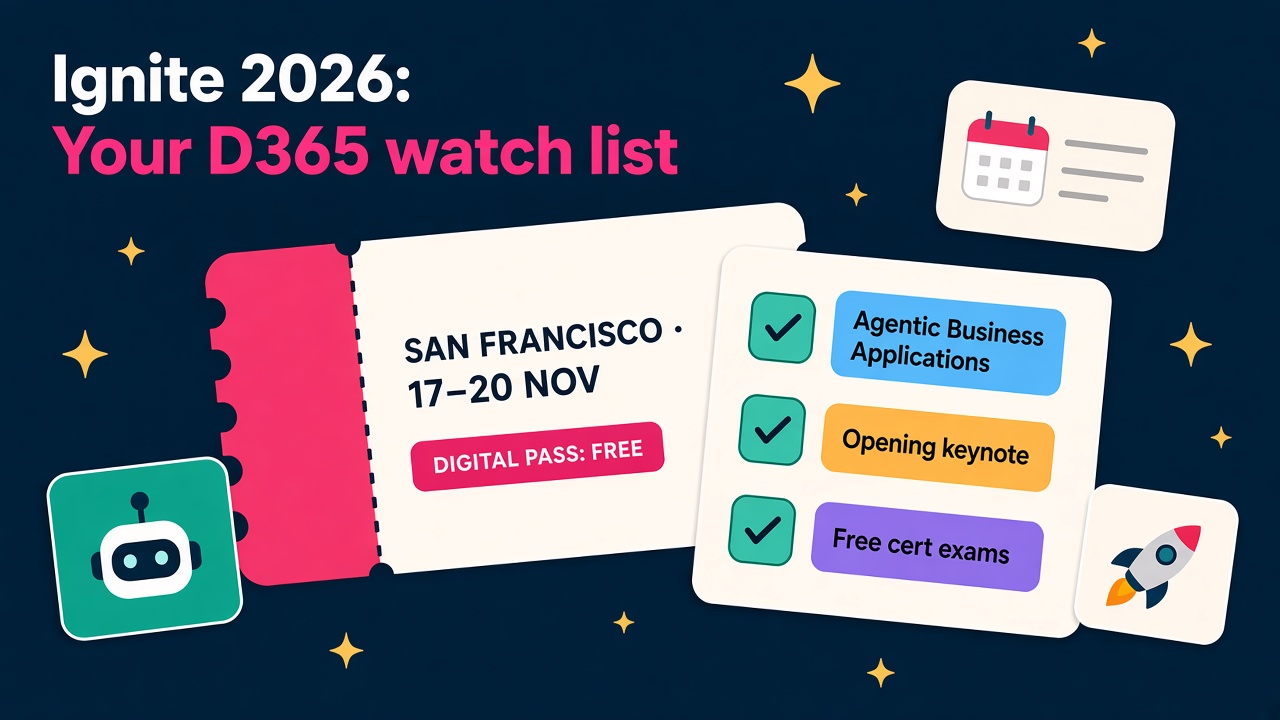
Microsoft Ignite 2026 runs from 17 to 20 November at the Moscone Center in San Francisco, and if you work anywhere near Dynamics 365 it is the most useful week of the year to pay attention. Not because of the parties (although I hear the celebration night is good), but because Ignite is where Microsoft tells us, out loud and on stage, where business applications are heading for the next twelve months.
This year that matters more than usual. October alone brought a flood of agent news for Dynamics 365, and Ignite is where those pieces get joined up into a story. So here's my practical guide to what to watch, how to watch it from wherever you are, and how to turn a week of keynotes into something that actually helps your career or your practice.
When is Ignite 2026 and how do I watch it?
According to the official Ignite site, the main event runs Tuesday 17 to Friday 20 November, with a pre-day on Monday 16 November for labs, certifications and badge pick-up.
The good news for most of us is that you don't need to fly to San Francisco. There are three passes:
- Digital pass: free, with access to keynotes, sessions and a wide range of technical content.
- Hub-only pass: $1,625, covering the in-person Hub, booths, theatre sessions and lunch from 17 to 19 November.
- Conference pass: $2,325, covering everything in person plus the digital venue.
If your employer isn't paying for the trip, the free digital pass is a no-brainer. Register now so the session catalogue can start saving favourites for you.
Keynote times for the UK and Australia
The opening keynote is on Tuesday 17 November from 6pm to 8pm GMT. That's 10am Pacific in San Francisco, and a rather brutal 4am on Wednesday 18 November in Brisbane (5am in Sydney and Melbourne, as they'll be on daylight saving).
The partner keynote follows on Wednesday 18 November from 5pm to 6pm GMT, which lands at 3am on Thursday in Brisbane. If you're in Australia, I'd watch the recording with a strong coffee rather than setting an alarm. Everything important will be on demand within hours.
Why this Ignite matters for Dynamics 365
Look at what has shipped in just the last few weeks:
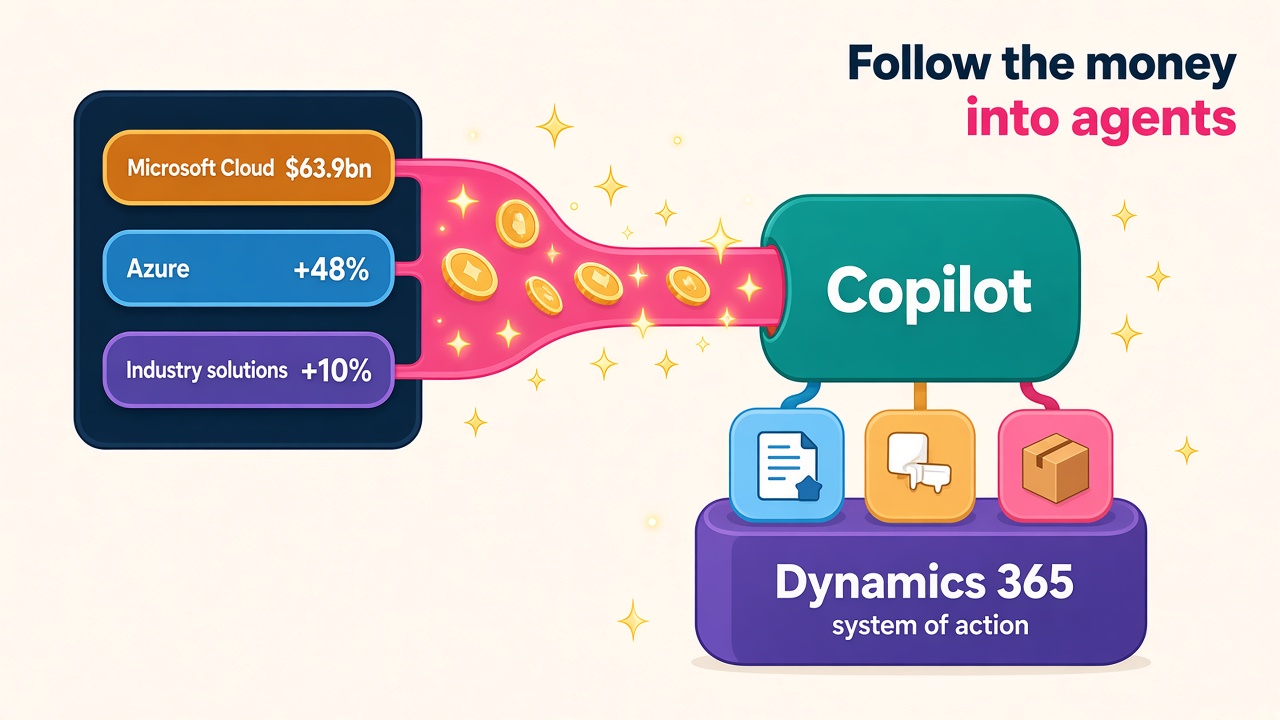
- On 8 October Microsoft made 30 new CRM skills for Copilot generally available, working with more than 180 tools across Dynamics 365 Sales, Customer Service and Customer Insights.
- On 21 October it announced Microsoft Contact Center Intelligence in public preview, bringing customer assist and quality assurance agents to any contact centre through an open connector.
- On 23 October the roadmap showed Business Central customers can now run multiple Sales Order Agents per company, each with its own mailbox and KPIs, alongside a new in-product experience for designing your own Business Central agents.
- Dynamics 365 Sales can now run multiple Sales Qualification Agents in one environment, with lead routing, handoffs and a supervisor dashboard.
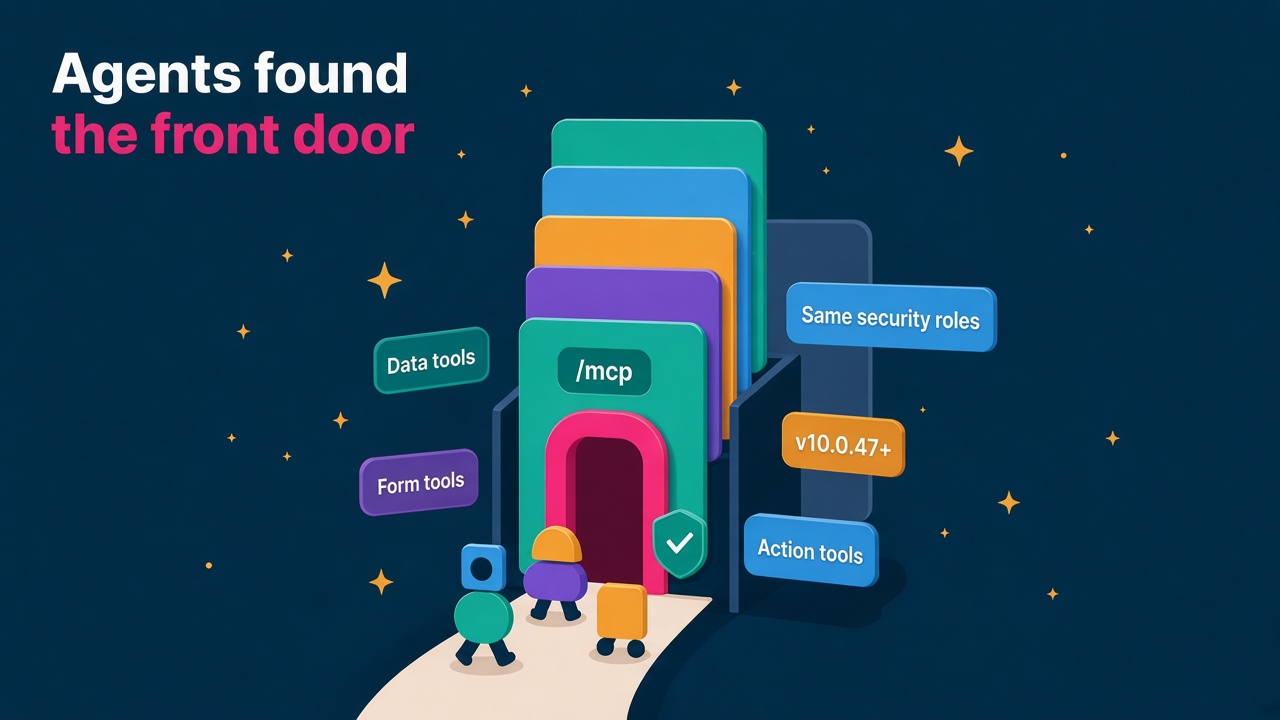
- On 29 October the Dynamics 365 CX MCP Server for Sales went generally available with 59 governed tools, which Microsoft called a foundational step towards "headless CRM".
That's a lot of moving parts. Ignite is where Microsoft usually explains how they fit together, what's coming next and, crucially, how it all gets licensed and governed. Those last two are the bits that decide which projects get signed next year.
What should D365 people actually watch?
The session catalogue is big, so be ruthless. Ignite has a dedicated Agentic Business Applications topic this year, which is exactly where Dynamics 365 lives now. Start there, then add a few from the Agent Platform and Copilot tracks.
1. Charles Lamanna and the business applications story
Charles Lamanna, EVP of Business and Industry Copilot, is listed among the featured speakers. Whatever he presents is the closest thing to a Dynamics 365 state of the nation. Listen for three things: how much of Dynamics 365 is being exposed as skills and MCP tools, how Microsoft talks about agents running whole business processes, and anything new on pricing for agent use.
2. Agent 365 and governance
Agent 365 has two featured speakers of its own this year, Nirav Shah and Ray Smith. That tells you how central agent management has become. Every D365 agent, whether it's qualifying leads or matching invoices, will need to be registered, permissioned, monitored and paid for. I'm quite certain governance is where a huge amount of partner work lands in 2027, and the people who understand it early will be first in line.
3. Copilot Studio hands-on labs
If you're attending in person, the pre-day includes sessions like "Build your first agent in Copilot Studio" and "Building a path to production for agents". Online, look for the equivalent labs and broadcast sessions. Watching a demo is fine. Building something is far better, because it's the only thing you can honestly put on your CV.
4. The partner keynote
Nicole Dezen, Chief Partner Officer, is also a featured speaker. If you work at a partner, the partner keynote is where changes to incentives, designations and the AI Cloud Partner Program usually surface. Those changes quietly shape what your employer hires for next year, so they shape your job too.
5. Free certification exams
The Ignite agenda lists free onsite certification testing. If you're there in person, book a slot early. It's one of the few genuinely free things in San Francisco.
How to get real value from a week of announcements
I've watched a lot of these events over the years, and the pattern is always the same. Everyone gets excited for a week, shares a few LinkedIn posts, and then goes back to doing exactly what they did before. Don't be that person. Here's a simple plan.
Before Ignite
- Register for the free digital pass and spend 30 minutes in the session catalogue. Save ten sessions at most. If everything's a priority, nothing is.
- Write down the three biggest problems on your current project or desk. You'll watch differently when you're hunting for answers.
- Read the October announcements linked above, so the keynote feels like the next chapter rather than a foreign language.
During Ignite
- Watch the opening keynote or its recording within 24 hours, while everyone is still talking about it.
- Keep a running list of every announcement that touches Dynamics 365, Dataverse, Copilot Studio, Power Platform or Agent 365, and note whether each is generally available, in preview or "coming soon". That distinction matters a lot when a customer asks if they can use it next month.
- Use an AI assistant to help. Tools like Grok Bot, Claude or ChatGPT are good starting points for summarising session recordings and announcement round-ups into a one-page brief for your team. Just check the facts against Microsoft's own pages before you forward anything to a client.
After Ignite
- Pick one announcement and build a small proof of concept in a sandbox within two weeks. One working agent beats ten saved bookmarks.
- Share a short write-up with your team or on LinkedIn about what it means for your industry or module. You'll be surprised how few people do this properly, and it's an easy way to be seen as the go-to person.
- Update your skills. If Microsoft announces new learning paths or certifications, book one in before Christmas.
What this means for hiring and careers
If you're hiring, Ignite is a gift. Within a fortnight of the keynote, every customer will be asking their partner "can we do that?". The firms that already have people who can answer yes will win the work. That makes November a smart time to look at your bench and ask who can build and govern agents, not just configure forms. You can see who else is hiring on our employers directory and check current pay on our D365 salary data.
It's also a reminder that the market is consolidating around AI skills. In October, UK partner mhance completed the acquisition of CPS and City Dynamics, adding around 180 people. CPS was a worldwide finalist for Microsoft's 2025 Copilot and Agent Partner of the Year. Deals like that tell you exactly what partners value right now: Dynamics 365 depth combined with real Copilot and agent experience.
If you're a consultant or developer, this is your moment. The people who come out of Ignite with a clear point of view on agents in their module, and something they've built to prove it, will have the best conversations in the new year. Have a look at the latest D365 jobs and you'll already see Copilot, agents and MCP creeping into job specs.
A quick word for ISVs
If you build on Dynamics 365, Ignite is where you find out whether your roadmap still makes sense. When Microsoft adds an agent that does part of what your product does, that's not the end of the world. It's usually a signal to go deeper into your niche and expose your own features as tools agents can call. Keep an eye on the Marketplace and partner sessions, and make sure your listing in our products catalogue and vendor directory is up to date before the post-Ignite buying conversations start.
What to do next
- Register for the free Ignite digital pass today and save no more than ten sessions, starting with Agentic Business Applications.
- Put the keynote recording in your diary for Wednesday 18 November (UK evening of the 17th) and block an hour to watch it properly.
- Choose one announcement to build in a sandbox before Christmas, then add it to your CV and your profile in our consultants directory.
- Browse the latest D365 jobs and check your pay against our salary data, so you're ready when the post-Ignite hiring rush starts.